 APKBees
VLC Media Player
by VideoLAN community
Loading...
Share App
Share VLC Media Player with friends
https://vlc-media-player.apkbees.com
SHARE ON
VLC Media Player | The Universal Solution
A video file that refuses to play is one of the most frustrating things a phone can do. Wrong codec, unsupported format, some vague error that explains nothing useful. You try three other apps and nothing works. VLC media player exists specifically to make that problem disappear.
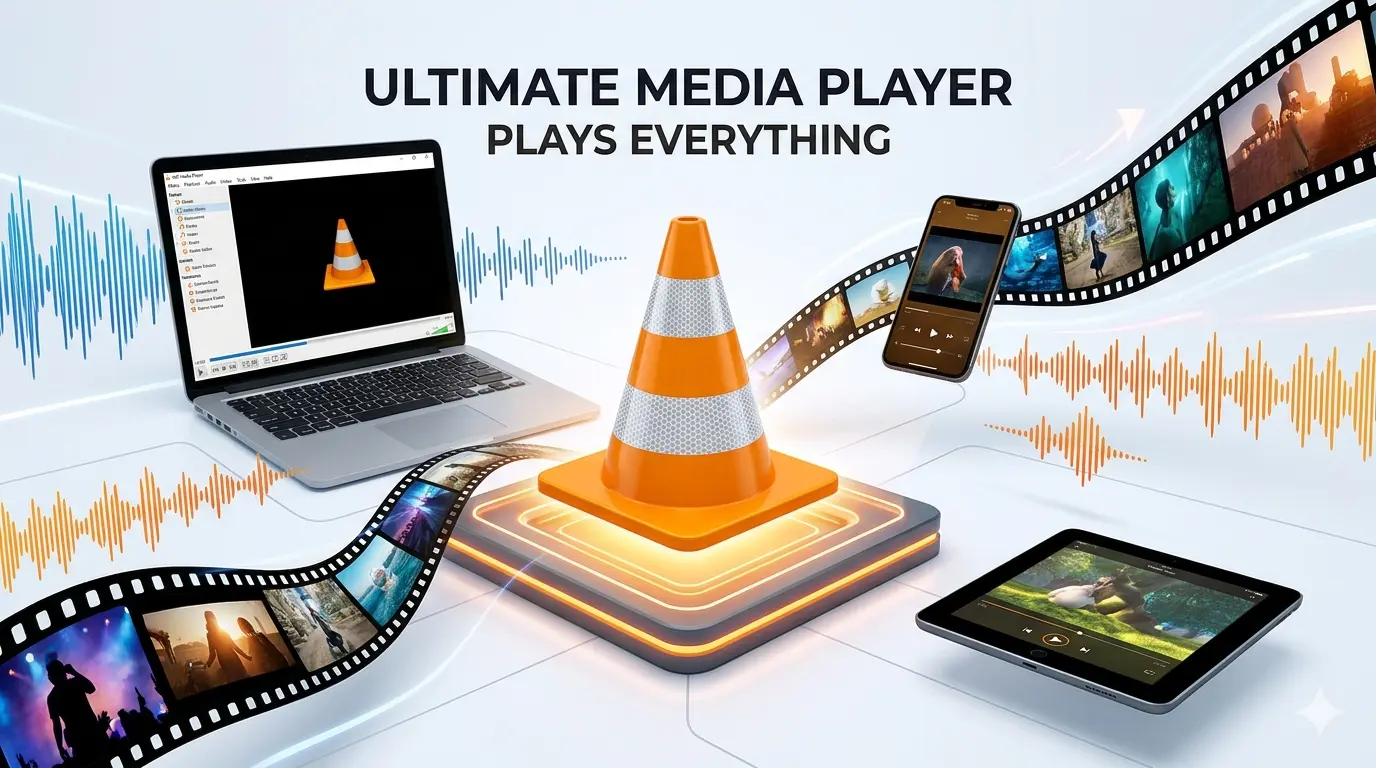
Built by Videolabs on open source technology, VLC for Android plays nearly every video and audio format without needing extra codec downloads, ads, or any cost at all. You install it once and stop worrying about file types altogether.
Whether you're streaming over a network, playing files saved on your phone, or managing a large music library, it handles all of it from one clean interface that never gets in your way.
What VLC APK Actually Is
VLC APK is the Android version of the legendary VLC Media Player, one of the most downloaded free media players ever made. It is open source, developed by Videolabs, and built around one core idea. Play nearly any format without forcing anyone to hunt down extra codecs first. It handles local files, network streams, network shares, drives, and even DVD ISOs, all completely free with zero ads and zero tracking.
The current version for Android is 3.7.1, last updated in May 2026. That release brought a new equalizer, better settings export and import, support for 16k alignment devices, Android Auto settings moved directly into the mobile app, and a long list of behavior, UI, and crash fixes.
Why VLC for Android Stands Apart
Hundreds of media player apps exist on Android. Very few come close to what the VLC media player APK actually delivers.
Completely free with zero ads and zero tracking
Open source and trusted by millions of users worldwide
Plays MKV, MP4, AVI, MOV, OGG, FLAC, TS, M2TS, WV, AAC, MP3, and nearly every other format
No extra codec downloads needed at any point
Streams content directly from network shares and drives
Reads DVD ISOs without additional software
Supports subtitles, closed captions, and multi track audio
Cast support for streaming to bigger screens
Hardware acceleration to extend battery life during playback
Popup view for watching videos while using other apps
Widget support for quick access from the home screen
Features
Format Support
One of the biggest reasons people download VLC APK is the format support. MKV, MP4, AVI, MOV, OGG, FLAC, TS, M2TS, WV, AAC, and MP3 all play without issue. There is rarely a need to worry whether a file will open. If it is a video or audio file, the app handles it without extra steps in almost every case.
Gesture Controls Built for One Hand
The player relies on on screen gestures for nearly everything. Tap, hold, drag. Swipe left or right to skip forward or back. Swipe up or down on either side of the screen to adjust brightness or volume. Everything stays within reach of a thumb without needing to hunt for a button mid playback.
Subtitle Support Without the Manual Search
Finding subtitles manually used to be its own small chore. Inside VLC for Android, tapping Download Subtitles fetches them automatically for whatever file is playing. Manual subtitle files still load fine for anyone who prefers that route, but the automatic option saves a meaningful amount of time across regular use.
Playback Speed for Every Situation
VLC media player offers playback speeds from 0.25x to 4x, or a custom speed entered manually. That range covers everything from slowing down a language lesson to speeding through a long lecture recording that does not need full attention at normal pace.
Streaming Content Over a Network
Supports direct streaming through Menu, then Open MRL, where pasting a video URL starts playback instantly inside the app. That single feature makes player far more versatile than a typical offline only video player, blurring the line between a local player and a basic streaming tool.
Casting to Bigger Screens
VLC for Android supports casting, so content streams directly to smart TVs and Chromecast compatible devices without installing a separate casting app. A video playing on a phone moves to the living room screen in a few taps without any extra setup.
Hardware Acceleration and Battery Life
Hardware acceleration can be enabled inside VLC APK so playback consumes less battery power overall. It can also be turned off for greater stability on certain files that behave inconsistently with acceleration active. Having that toggle available matters most on older or budget devices where battery life is already limited.
Audio Tools and the New Equalizer
The latest version for Android includes a completely new equalizer, giving full control over audio output. Bass, treble, and individual frequency bands all adjust to match specific headphones or speaker setups rather than relying on a generic default profile that rarely fits everyone.
Android Auto Integration
The newest update moves Android Auto settings directly into the mobile app, making it far easier to control VLC media player from behind the wheel without digging through unrelated menus while driving.
What Changed in VLC APK 3.7.1
New equalizer with improved audio control
Better settings export and import for easier backups
Support for 16k alignment devices
Android Auto settings now accessible directly from the mobile app
Behavior, UI, and crash fixes across the board
Improved stability on Android 14 and 15
Faster loading and reduced memory use on lower RAM devices
Better support for foldable phones and tablet form factors
Is VLC APK Safe to Install
Yes, APK is completely safe to install. VLC for Android comes from VideoLAN, a trusted open source developer with years of proven reliability across desktop and mobile platforms. The app is also available directly on the Google Play Store, which adds another layer of safety since every app there goes through Google's own review process.
Click the download button on this page to get it straight from the Play Store. This way you always receive the official, verified version with no risk of malware, viruses, or hidden trackers.
Download VLC APK on Android
Installing apk on Android takes under five minutes if you follow the steps below.
Click the download button below to get the APK directly from VideoLAN's official website. This option works well if you don't have the Play Store set up on your device
Wait for the file to finish downloading on your device
Go to Settings, then Security, and enable Install from Unknown Sources
Open your Downloads folder and tap the downloaded APK file
Tap Install and wait a few seconds for the process to finish
Open VLC media player and let it scan your device so your videos and songs appear in the library
If files are stored on an SD card, confirm access so the app indexes them correctly
Tap any video to start playing and explore the gesture controls right away
Settings That Improve Your VLC Experience
Enable hardware acceleration in Settings for smoother playback and better battery life
Use the popup view feature to watch videos while browsing or chatting in another app
Add the widgets to your home screen for instant one tap access to your library
Use the Download Subtitles feature inside the app instead of searching manually online
Adjust playback speed to 1.5x or 2x for podcasts and long recordings to save time
Set up network shares inside app to access files stored on a home router or NAS drive
Use the equalizer in the latest version to fine tune audio for your specific headphones
Export your settings after configuring VLC so everything restores instantly after a reinstall
Frequently Asked Questions
Is VLC APK free to download?
Yes. For Android is completely free with no ads, no subscriptions, and no hidden charges.
What formats does it support?
MKV, MP4, AVI, MOV, OGG, FLAC, TS, M2TS, WV, AAC, MP3, and virtually every other video and audio format without needing extra codecs.
Can it stream online videos on Android ?
Yes. Open the Menu, tap Open MRL, and paste any video URL to stream it directly inside the app.
Does it supports subtitles?
Yes. Subtitle files load manually or fetch automatically through the built in Download Subtitles feature.
Does VLC APK support casting?
Yes. Content casts work directly form Android to smart TVs and Chromecast compatible devices.
What Android version does VLC APK need?
The latest version requires Android 11.0 or higher. Older versions remain available for devices running Android 4.2 and above.
Can playback speed be adjusted on VLC for Android?
Yes. Speed adjusts from 0.25x up to 4x, or a custom speed can be entered manually.
Does the media player have ads?
No. It is completely ad free, open source, with no tracking and no advertising of any kind.
This site is not affiliated with Videolabs or the official project. All information is for general informational purposes only. Always download APK from trusted and verified sources only.
Images
( Tap any image to open it )
Features
Plays MKV, MP4, AVI, MOV, FLAC, AAC, TS, and 50+ more formats
Built-in codecs - no extra plugins needed
Browse home network shares and NAS drives
Play DVD ISO images without conversion
Full music library with cover art
Subtitles, Closed Captions, and Teletext support
Load external SRT subtitle files
Auto-rotation and aspect ratio options
100% free, open source, no ads, no tracking
Android TV support with remote navigation
Additional Info
Version
3.7.1
Size
47.6 MB
Category
Video
Requires Android
Android 4.2+
Info last Updated
25 June 2026
Price
Free
Developer
VideoLAN community
Votes
5.0 / 5 ( 36 )